/Logo_ISO-Gruppe_RGB_negativ_alles.png?width=125&height=75&name=Logo_ISO-Gruppe_RGB_negativ_alles.png)
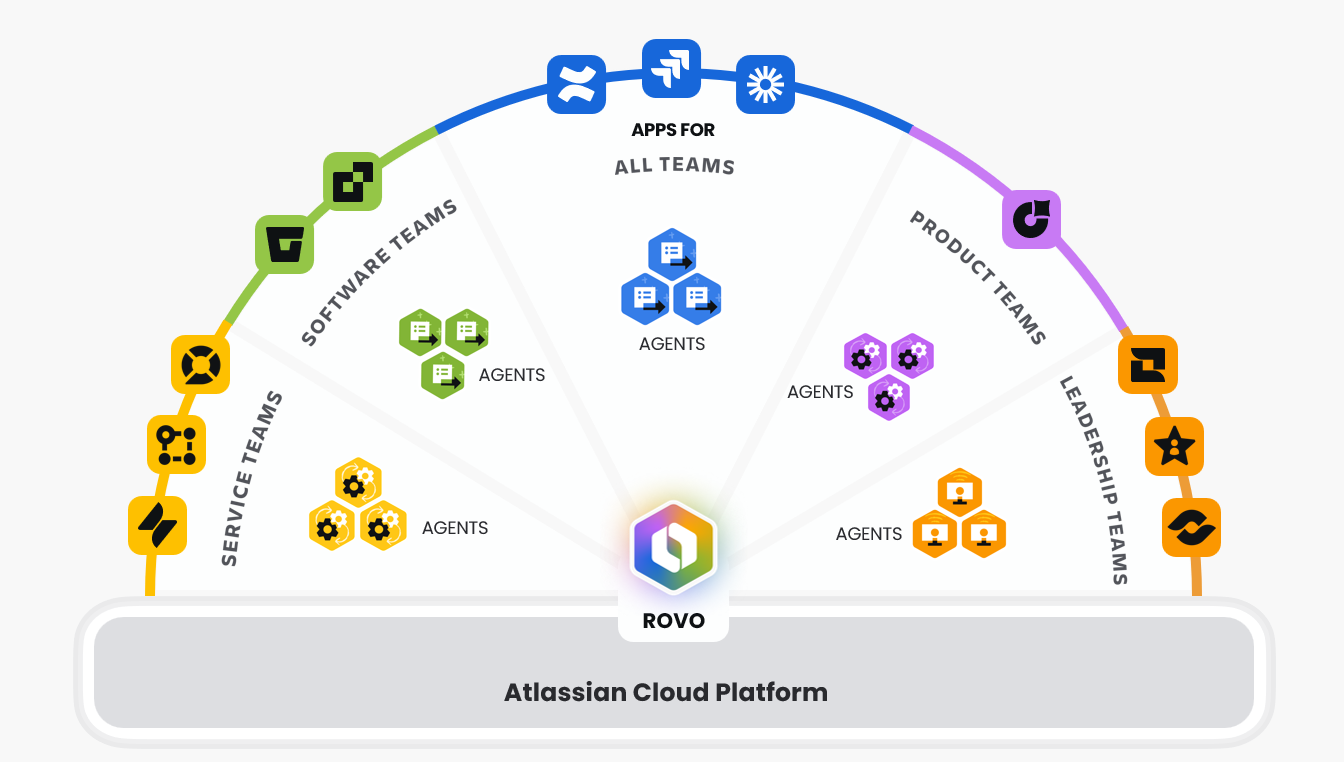
The time has finally come: Assets are now available in all cloud instances as an Atlassian Cloud Platform app. This means that all customers with a paid license for Jira, Confluence, Jira Service Management, Teamwork Collection and Service Collection have access to Assets.
What is Atlassian Assets?
Assets is a powerful Atlassian asset and configuration management tool that helps teams manage and relate resources such as hardware, software, services, infrastructure and people.
It enables the management of assets, configuration items and relationships, for example between applications, services, IT infrastructure and incidents. Assets offer an open and flexible data structure and can be seamlessly integrated into Jira Service Management, Confluence or Jira.
What is changing?
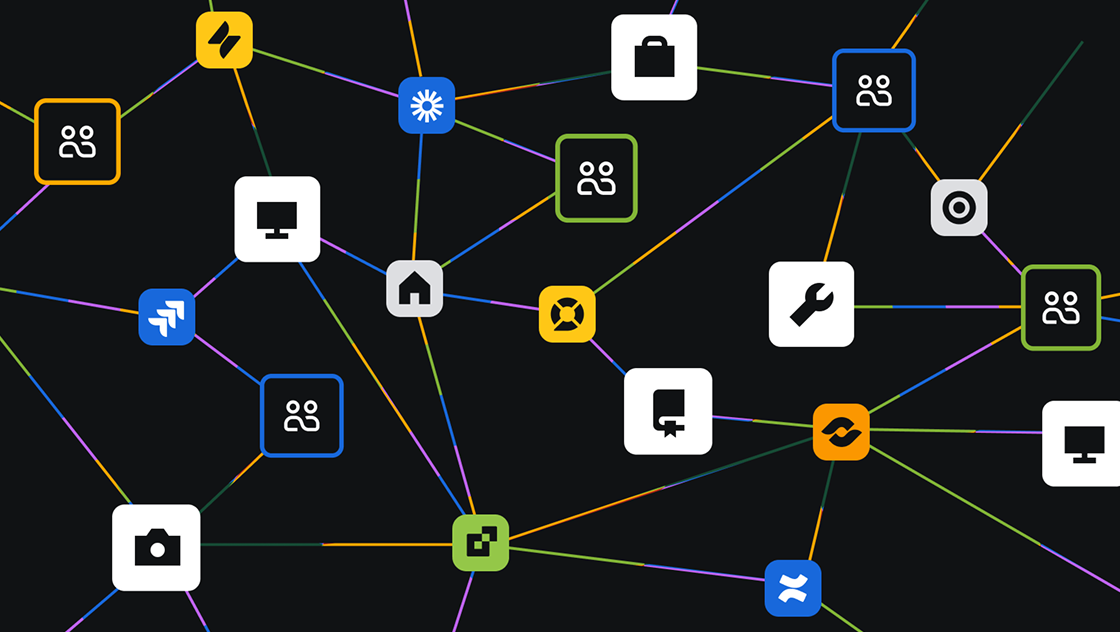
From now on, asset data will also be integrated into the Teamwork Graph, bringing people, work and business objects together and putting them in context with each other. This enables complete transparency, smarter decisions, seamless collaboration and increased organizational agility.
Increased visibility
From now on, objects that were previously only available in Jira Service Management can be found via simple search and integrated into Jira, Confluence pages, the home screen, automations, etc.
Focus of the implementation:
- Bringing assets to every place where work is done: Home, Rovo Search and Studio
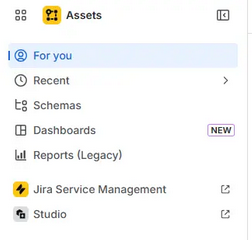
- A more user-friendly onboarding experience and a new "For you" section
- Greater administrative control with contextual settings and governance features
Assets become a reusable data layer for all Atlassian applications, allowing key objects in schemas (people, services, devices, vendors, etc.) to be integrated and linked wherever they are needed.
The result
Less context switching, faster decisions and seamless or smarter collaboration.
With Rovo Search, you can now search for objects and see what is currently being worked on or what was last updated.
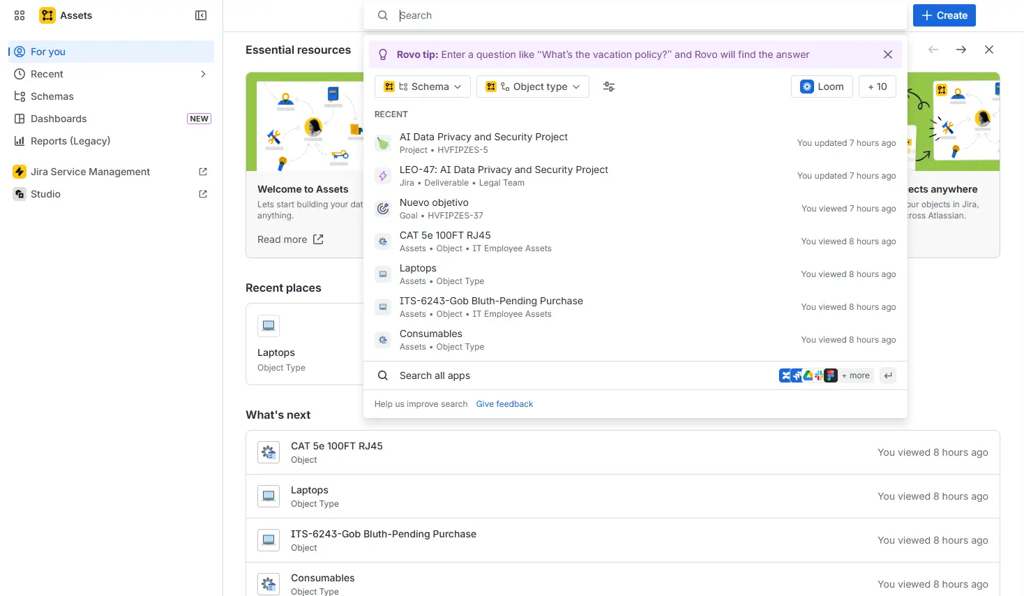
In addition, a direct menu to the Studio app has been added within Assets to make switching between the two apps as agile as possible.
The new "For you" page makes it much easier to go directly to the schemes and objects where you left off the day before. In this new view you will find:
- Key resources: documentation, guides, tips and tricks etc. to help you
- Recently used areas: The most recently accessed elements (schemas and objects) are visible here.
The integrated onboarding process can be run through on first access, which guides you through all the important points of the application.
Simple administration
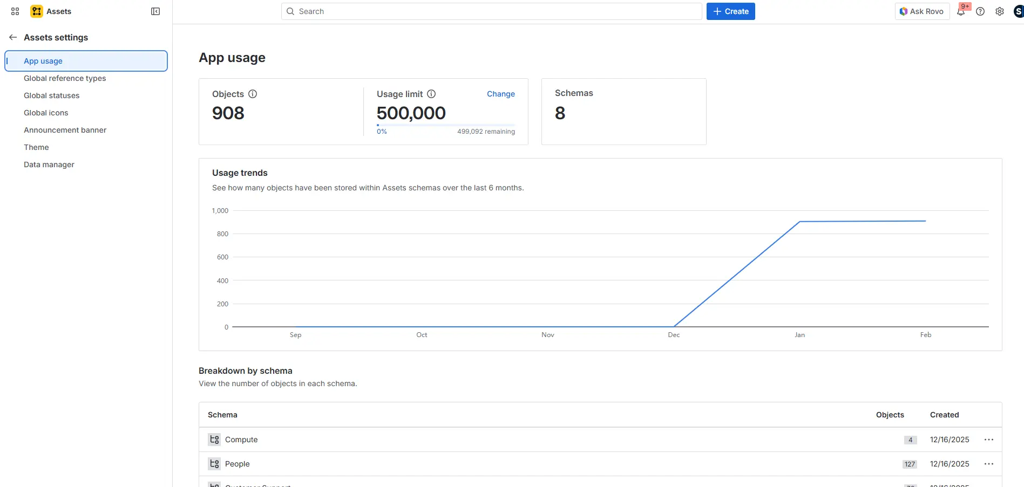
From here you can...
- ...view the actual usage of the app,
- create new "reference types",
- create and change global statuses and...
- create banners with specific announcements.
Limitations of the asset objects
The number of asset objects varies depending on the contractually agreed licenses:
- 1,000 objects per paid standalone app
- 5,000 objects per collection
Example 1:
- Jira (standalone) with costs (max. 1,000 objects)
- Confluence (standalone) for a fee (max. 1,000 objects)
→ Total: max. 2,000 objects available in assets.
Example 2:
- Teamwork Collection (up to 5,000 objects)
- Service Collection Premium (up to 50,000 objects)
→ A maximum of 55,000 asset objects are available
Additional required objects can of course be purchased.
Backup & Recovery
Atlassian has announced an improved solution for backup and recovery. Previously, assets were not part of the native backup and recovery. These had to be backed up manually.
Although Atlassian's native disaster recovery offers robust protection against infrastructure failures and ensures high availability of cloud services, it does not cover all data risks. However, data loss of up to one day cannot be ruled out. In addition, assets are not backed up.
Atlassian Backup and Restore is available as an add-on for apps with Premium or Enterprise plans and offers more control over your backup strategy, so data is better protected.
The benefits
- Better data protection
- Fast recovery after a failure
- Fulfillment of compliance obligations
Limitations of Atlassian Backup & Restore
In terms of general availability, Atlassian Backup and Restore has explicit size limits for each app, but none yet in terms of assets.
To summarize...
...the importance of assets will continue to increase. This is mainly due to the integration into the Atlassian apps and the fact that there are no restrictions for Jira Service Management. But it's also because we are moving away from the historical concept of assets as an economic good.
We like the fact that the assets are activated by default for all payment plans (Standard, Premium, Enterprise). Let's hope that this remains the case in the long term.
What we don't like is that Atlassian only offers a paid app for a mandatory backup & recovery solution that also includes assets, which has to be licensed additionally. Also, backups created with Atlassian Backup & Restore are not stored at the data location selected in the app.
However, the bottom line is that there is a whole list of benefits for Atlassian users.
The most important advantages of Atlassian Assets
- Integration: CIs (configuration items) can be linked directly to changes, service requests and incidents to enable faster and contextualized support.
- Efficiency: The ability to automate asset updates, tracking and audits saves time and effort and improves accuracy in asset and lifecycle management.
- Transparency: Full control by linking and relating assets, people and software, which helps with risk assessment.
- Flexible data structure: Unlike rigid legacy databases, asset object types, attributes and relationships can be customized to meet specific requirements.
- Reporting: There are pre-built reports to monitor the health and tracking of assets, track compliance requirements and analyze to make smarter and faster decisions.
- Improved onboarding/offboarding: Streamline employee onboarding by tracking assigned resources and automating offboarding, including ensuring that all devices and licenses are returned and revoked.
If you have any questions or would simply like to know more about assets, please contact us.